

AI & Data Fundamentals
What Are AI Connectors? A Complete Guide
What Are AI Connectors?
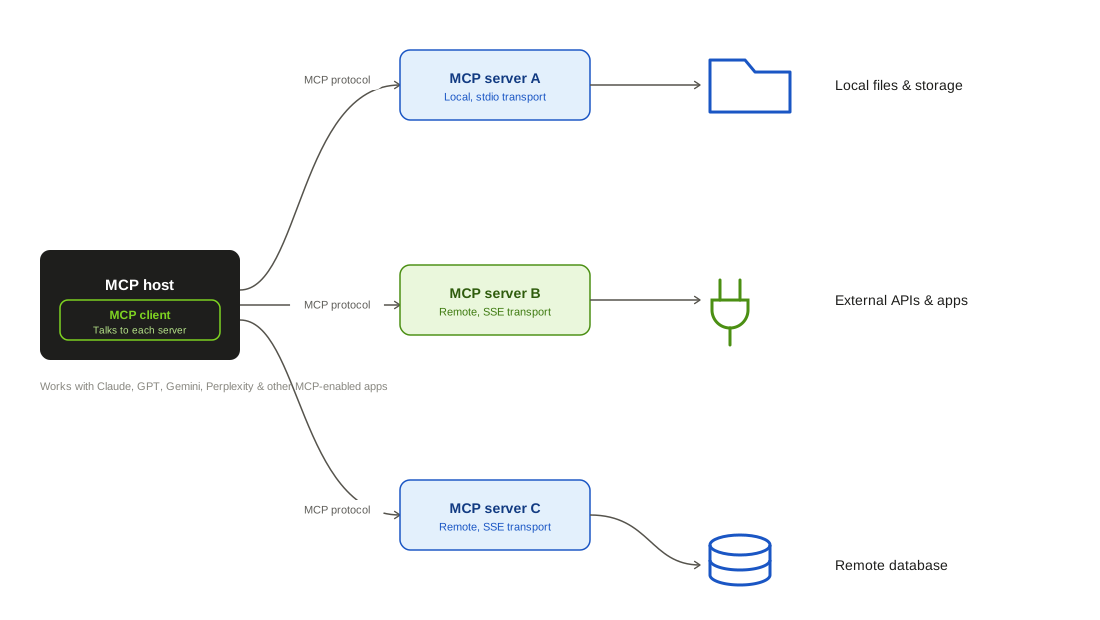
AI connectors are the pieces of software that let an AI model or AI-powered product read from, and often write back to, the business applications an organization already relies on. Rather than an AI system working only from its training data or from documents pasted directly into a prompt, a connector gives it a live, governed path into systems like a CRM, a ticketing platform, a file storage service, or an HR information system.
The idea isn't new in a narrow sense, since enterprise software has connected applications together for decades. What's changed is what sits on the other end of the connection. Instead of moving data between two conventional applications, an AI connector moves data between a business application and a large language model, or lets that model take an action back in the source system. That distinction matters because LLMs place different demands on a connection: they often need normalized, consistently structured data across many different source schemas, they may need to search across an entire object rather than fetch by ID, and any write-back action needs tighter guardrails since a model, not a person, is initiating it.
Why AI Connectors Matter
A language model is only as useful as the context it can draw on. A model with no connection to a company's real systems can answer general questions, but it can't tell a sales rep the actual status of an account, tell an employee when open enrollment closes, or tell a recruiter which candidates are furthest along in a pipeline. AI connectors close that gap by giving the model access to the systems of record that already hold this information.
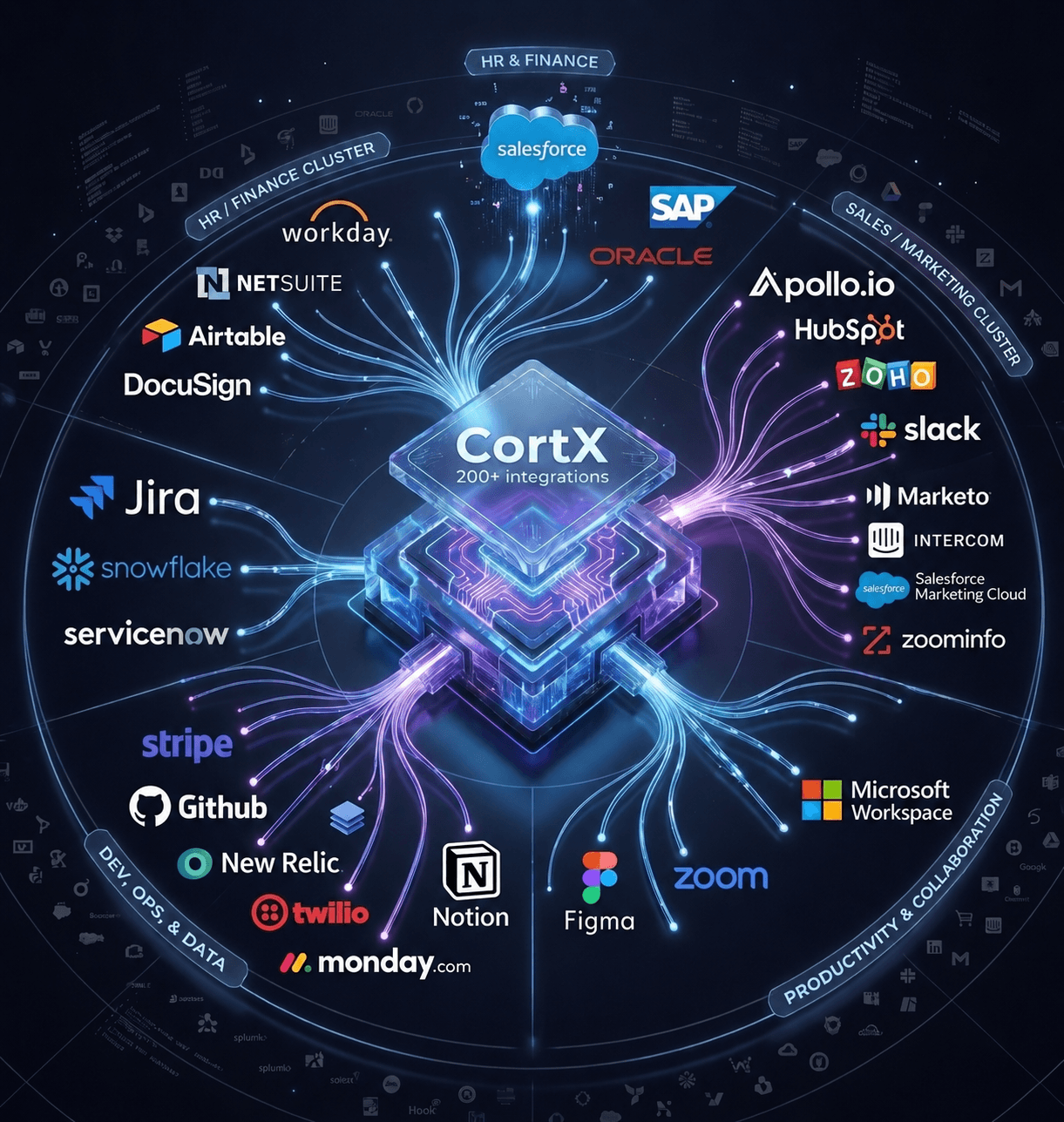
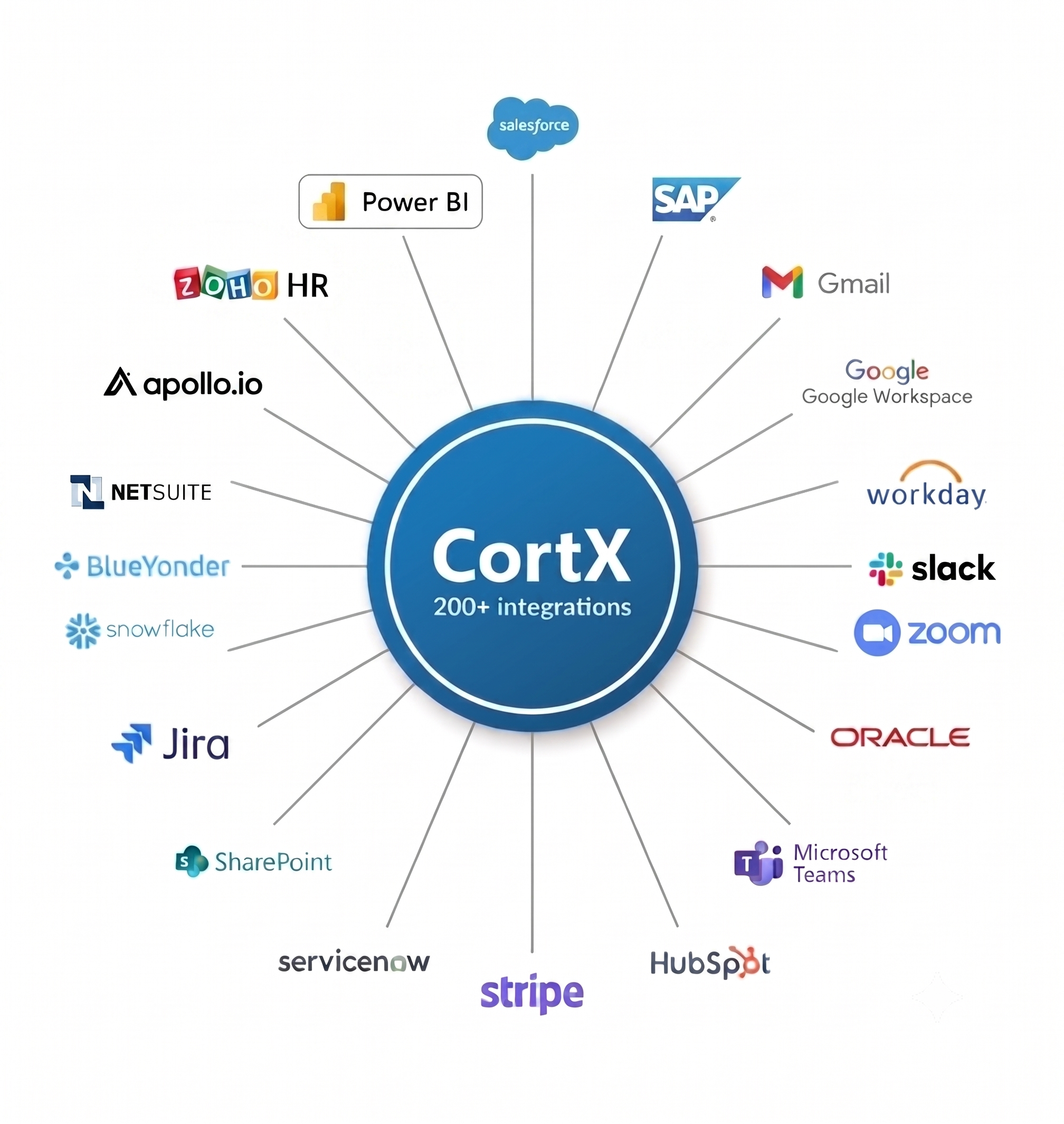
They matter on the build side too. Every business application an AI product wants to support, CRM, ticketing, HRIS, file storage, accounting, is a different API with its own authentication model, rate limits, object structure, and edge cases. Building and maintaining each of those integrations individually is slow and pulls engineering time away from the product itself. Connectors, especially unified or platform-based ones, let a team support a whole category of applications through one integration rather than one at a time, which shortens time to market and reduces the ongoing maintenance burden as those third-party APIs change.
How AI Connectors Work
Most AI connectors share a similar shape, even though implementations vary:
- Authentication and access. The connector authenticates with the source application, usually via OAuth or an API key, and operates within whatever permission scope has been granted.
- Data retrieval. It pulls records from the source system, whether that's tickets, contacts, employee records, or files, on a schedule, in response to an event, or on demand when the AI needs an answer.
- Normalization. It maps the source application's fields and objects into a consistent schema, so the AI model can work with concepts like ticket status or candidate stage the same way regardless of which underlying tool produced the data.
- Delivery to the model. The normalized data is passed to the AI system, either as retrieved context for a single query or synced into a store the model searches against.
- Write-back, where supported. For connectors that support bidirectional sync, an action the AI recommends or a user confirms, like adding a lead or updating a record, gets pushed back into the source application.
Types of AI Connectors
- Retrieval or search connectors — surface information from a source system in response to a query, without necessarily changing anything in that system. Common in AI-powered enterprise search and question-answering tools.
- Bidirectional connectors — support both reading data in and writing actions back out, so a user can, for example, add a recommended lead to a CRM directly from the AI product.
- Category-specific connectors — built for a particular type of application, such as CRM, ATS, HRIS, ticketing, or file storage, each with object models tailored to that category.
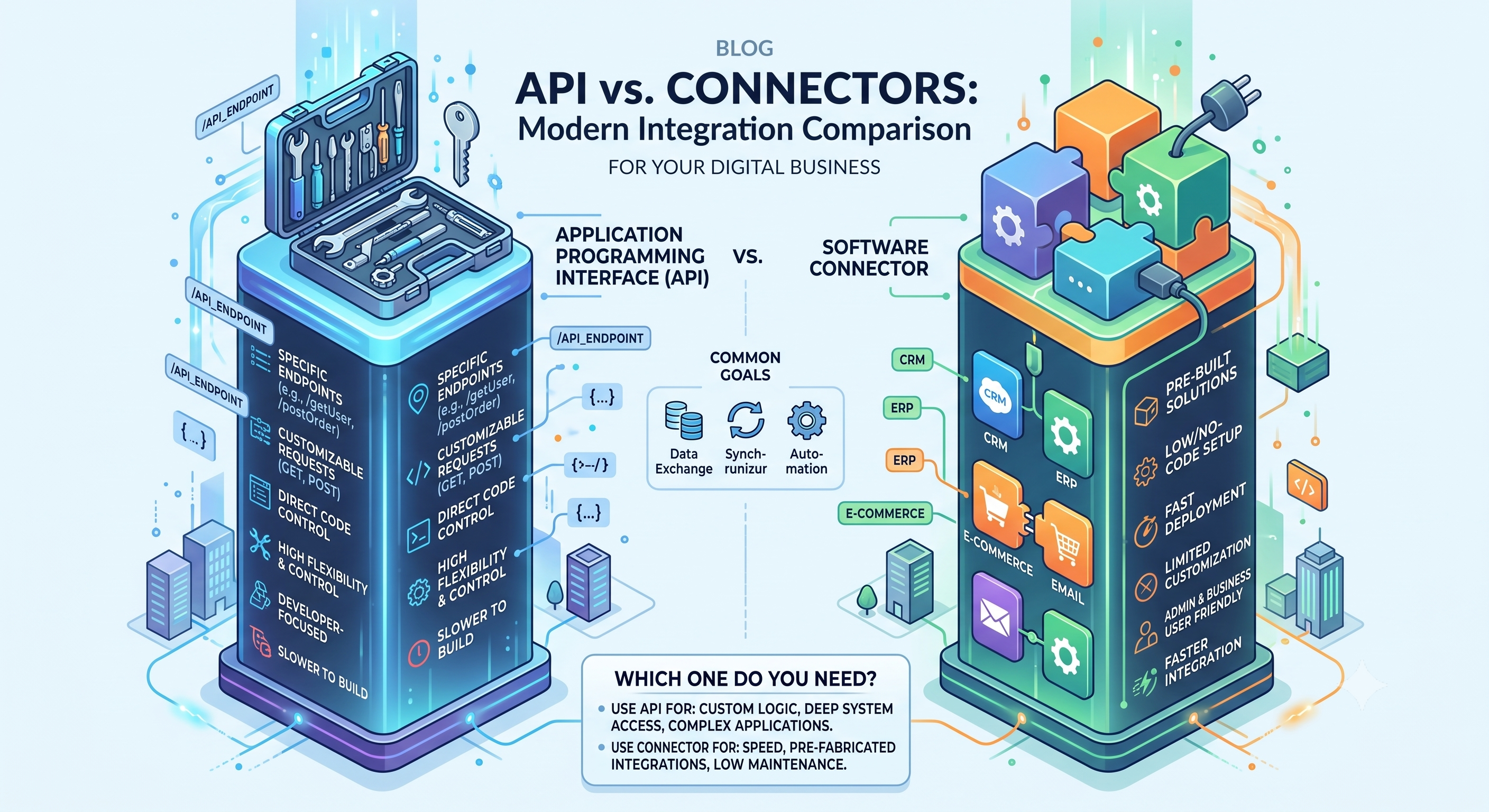
- Unified API connectors — a single integration layer that normalizes many applications within a category behind one API, so a product can support dozens of CRMs or ATSs without building each integration separately.
- Custom or point-to-point connectors — built for a single specific application, typically when that application is important enough to a product's use case to justify a dedicated integration outside a unified layer.
AI Connectors and Agentic AI
As AI products move from answering questions to taking actions, agentic AI, connectors take on a larger role. An agent that's asked to update a support ticket, schedule an interview, or move a lead through a sales pipeline needs a governed, permissioned way to actually do that in the underlying system, not just read from it. This raises the stakes around access scope, audit logging, and rate limiting, since a connector supporting an autonomous agent needs to constrain what that agent can touch just as carefully as it constrains what a human user can touch, and needs a reliable record of what changed and why.
Benefits of AI Connectors
- Saves engineering time. Teams don't have to build and maintain a bespoke integration for every application they want to support.
- Speeds up time to market. A single build against a unified connector layer can support many applications within a category at once, rather than one integration at a time.
- Improves data quality for the model. Normalized, consistently structured data is easier for an LLM to use accurately than raw, inconsistent source formats.
- Makes issues easier to catch. Mature connector platforms provide monitoring and error detection, so a broken sync gets flagged before it silently starves the AI system of current data.
- Supports both internal and customer-facing use cases. The same underlying connector approach can power an internal AI assistant and a customer-facing AI feature.
Common Use Cases
- Enterprise search and internal Q&A — answering employee questions by pulling context from CRMs, file storage, HR systems, and other systems of record.
- Sales and lead intelligence — feeding CRM data to a model so it can score, recommend, or prioritize leads, and pushing accepted recommendations back into the CRM.
- Recruiting and candidate sourcing — connecting to an ATS so a model can recommend candidates and learn from which ones are ultimately hired.
- Customer support automation — giving a support AI access to ticket history and customer records to generate more accurate, context-aware responses.
- Financial and vendor operations — reconciling payments or surfacing account information by connecting AI tools to accounting and ERP systems.
Challenges and Considerations
- Schema diversity. Every source application structures its data differently, and normalizing all of that into a consistent model the AI can use is genuinely difficult work.
- Security and access control. A connector that touches sensitive systems needs strong authentication, encryption in transit and at rest, and role-based access so the AI only ever sees what it's supposed to see.
- Sync reliability. APIs change, rate limits get hit, and connections break; without monitoring, an AI system can end up working from stale data without anyone noticing.
- Governance for write-back actions. Letting an AI system make changes in a source application, rather than just read from it, requires clear rules about what it's allowed to change and an audit trail of what it did.
- Vendor and category sprawl. Supporting many categories of applications, CRM, HRIS, ticketing, file storage, ERP, means committing to ongoing maintenance across a wide surface area, not just an initial build.
Best Practices for Implementing AI Connectors
Prioritize the applications your users actually rely on.
Start with the systems that hold the data your AI product needs most, rather than trying to support every possible integration on day one.
Normalize early.
Decide on a common schema for each category of application before building out connectors, so new integrations slot into an existing model instead of requiring rework later.
Build in monitoring from the start.
Set up alerting for failed syncs, authentication issues, and unusual data patterns, so problems surface quickly rather than showing up as a confused end user.
Separate read and write permissions clearly.
Give an AI system the narrowest access it needs to do its job, and treat any write-back capability as a distinct, more carefully governed permission.
Plan for schema drift.
Third-party APIs change their objects and fields over time; build connectors that can absorb minor changes without breaking, and monitor for major ones.
Consider a unified or platform approach for scale.
If you need to support many applications within a category, a unified API layer is usually more sustainable than maintaining dozens of point-to-point connectors individually.
Keep a human in the loop for consequential actions.
Especially as connectors support more autonomous, agentic use cases, build in confirmation steps for actions that are hard to reverse.
Frequently Asked Questions
A regular integration typically moves data between two conventional applications. An AI connector moves data between a business application and an AI model or agent, and often needs to normalize that data into a consistent format the model can reason over, plus support more nuanced permissioning since the party acting on the data may be the AI itself.
Both patterns exist. Some connectors are read-only, surfacing information for the AI to use in generating a response. Others are bidirectional, letting a user or an AI agent push updates, like adding a lead or updating a ticket, back into the source system.
It's possible, but it doesn't scale well. Every application has its own API, authentication method, and object structure, so custom integrations multiply engineering effort as the list of supported applications grows. A unified connector layer lets one build support many applications within a category at once.
Mature connectors apply the same controls any enterprise integration should: encryption in transit and at rest, role-based access control, detailed activity logging, and scoped permissions so the AI only accesses what it's explicitly been granted.
Turn this insight into your next move.
Tell us what you're building and we'll show you where uCube.ai actually fits — no generic demo, just a straight conversation about your data and your goals.